An invoice field can look plausible and still be unsuitable for export. The amount may have been read correctly from the wrong row, a currency symbol may be ambiguous, or a required identifier may be absent. Define the export contract before choosing an extraction model.
This guide uses published schema and document-analysis documentation to propose validation for the Document Review Queue blueprint. The product has not been implemented. The worksheet contains synthetic review cases, all marked Not run, and makes no claim about recognition accuracy or accounting treatment.
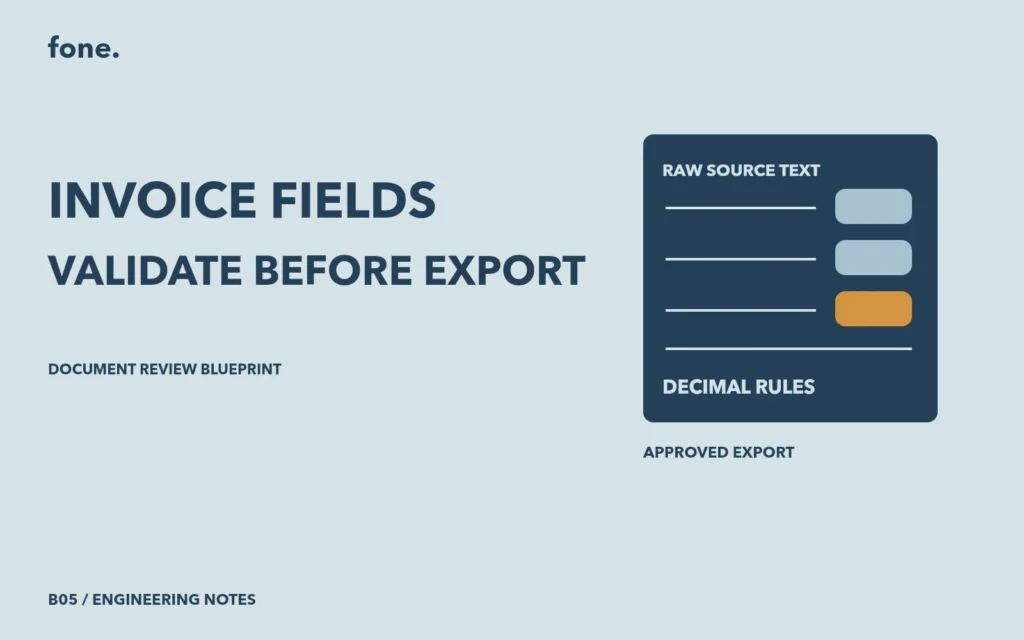
Preserve what was read and what was normalized
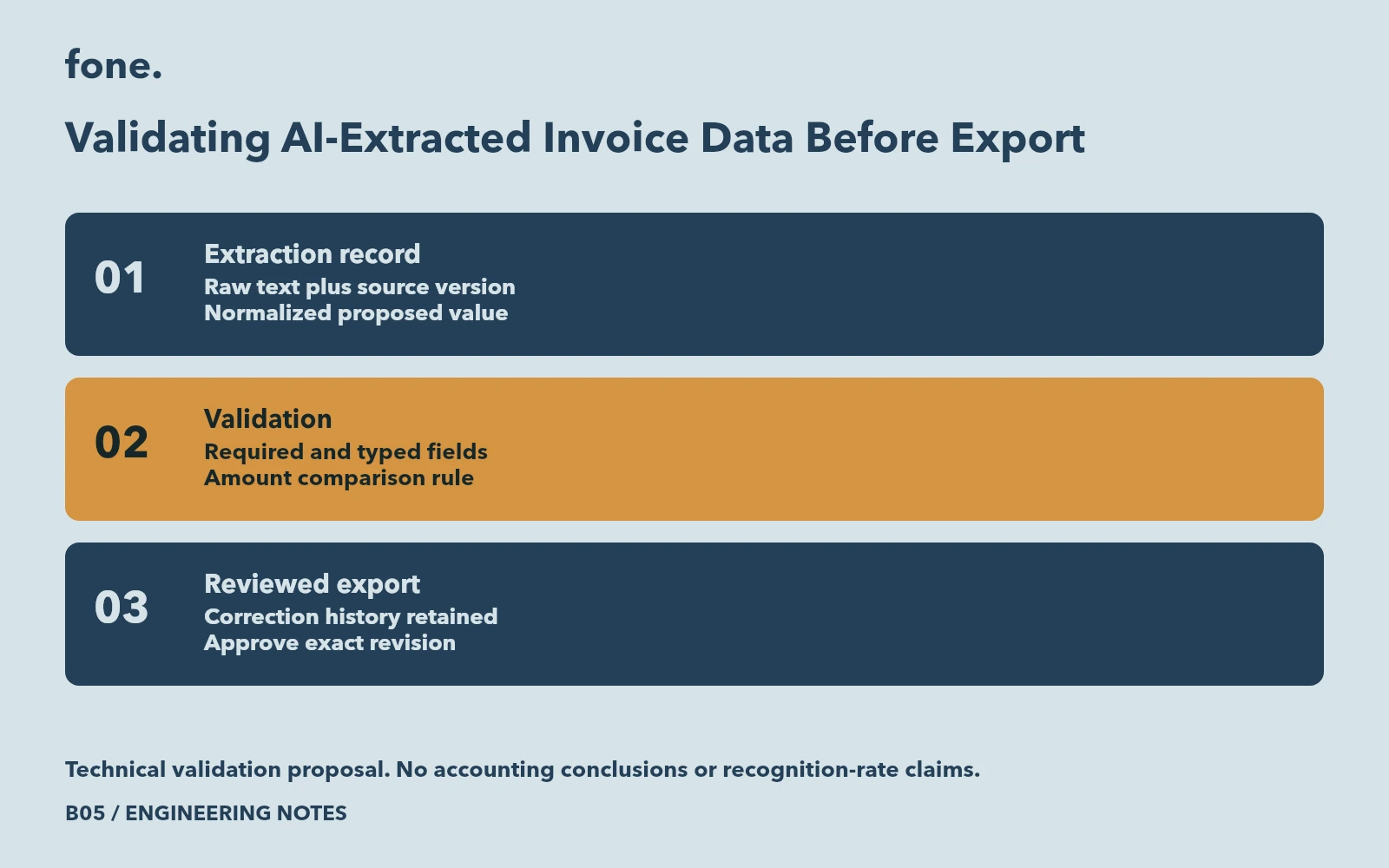
For each proposed field, retain the raw text, the normalized value and a reference to its document version. Add page and region information when the extraction tool supplies it. Keep the extraction result separate from the reviewer's correction so a later reviewer can see what changed.
Azure Document Intelligence describes spans into extracted content and bounding regions with page information. These can support source links, although the available structure depends on the model and input. A field without usable location information should remain visibly unlinked rather than pointing to an invented region. Document analysis response.
Decide what each field means before validating it. An invoice identifier might be text even when it contains only digits. Turning it into a number could discard leading zeroes. A document date and a service-period date need different fields even when the parser returns both in the same format.
Separate structural checks from business checks
JSON Schema's required keyword identifies properties that must exist. Its object rules also distinguish a missing property from one whose value is null. Numeric constraints can define minimum values or permitted increments. These controls can reject malformed exports without determining whether an invoice itself is correct. Object validation and numeric validation.
| Field or rule | Proposed rejection | Review evidence |
|---|---|---|
| Invoice identifier | Missing or blank | Source label and printed identifier |
| Currency | Outside the agreed code list | Explicit currency evidence |
| Amount | Cannot be parsed by the agreed decimal rule | Raw text and normalized value |
| Total comparison | Difference exceeds the agreed tolerance | Components and calculation rule |
| Source reference | Wrong document version | Version and source location |
The code list should come from the downstream contract. Do not infer a currency solely from a symbol shared by several currencies. If the business accepts multiple currencies, include that decision in the field rules and review ambiguous cases explicitly.
Make amount calculations reproducible
Use decimal arithmetic with an explicit rounding rule for comparisons that involve decimal amounts. Python's decimal documentation explains exact decimal representation and configurable rounding, including the difference between constructing a decimal from text and converting a binary floating-point value. Preserve the original decimal text long enough to apply the selected parsing rule. Python decimal arithmetic.
Agree which printed components participate in the comparison. A proposed check might compare a printed subtotal plus printed adjustments with the printed total. Its rule must state how discounts and rounding are handled. If the document family does not provide the required components, record the comparison as unavailable and route it for review.
A mismatch should show the fields involved and the calculated difference. It should not silently replace the supplier's total. The operator needs to distinguish an extraction error from a document that needs clarification from its owner.
Approve a specific export revision
Keep correction, validation and approval as separate recorded steps. A reviewer can correct a value, rerun the affected checks and then approve that revised record. If a later extraction job produces new values, it should create another review revision instead of overwriting the approved export.
Show validation failures in text beside the relevant field. WCAG's error-identification guidance requires the erroneous item to be identified and the error described in text. A red border without an explanation leaves the operator guessing what must change. W3C error identification.
The invoice validation worksheet provides a small illustrative schema, proposed error samples and blank evidence cells. Adapt it to one document family and the receiving system's exact columns before running a trial. The original samples are review inputs, with no executed validation results attached.
Review the Document Review Queue blueprint to scope extraction, human corrections and an approved CSV export. Bring redacted documents, the field rules and the destination format so the first implementation can have a clear acceptance boundary.