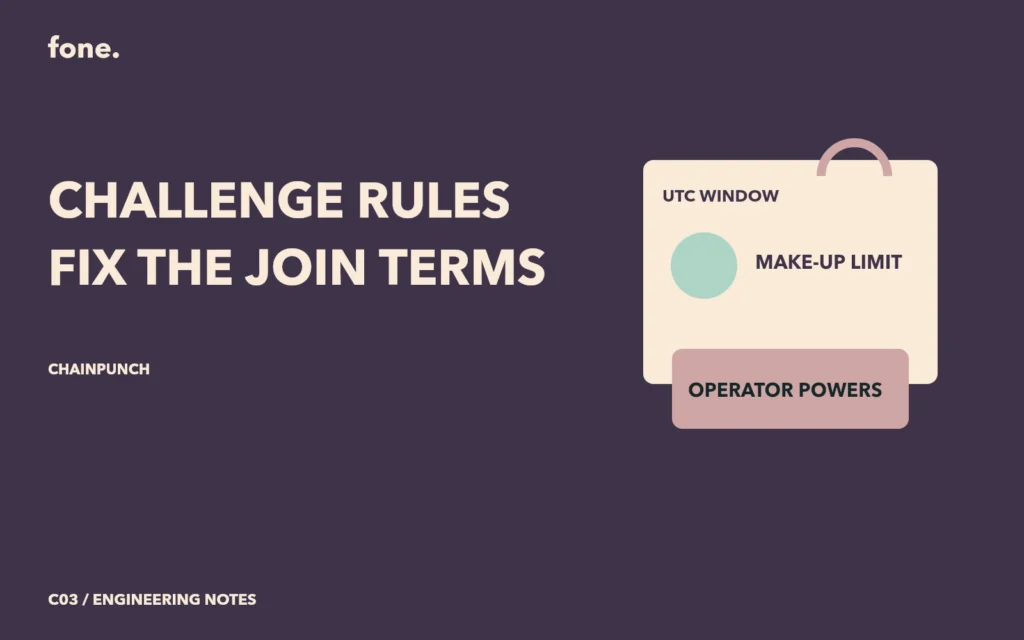
A participant needs to know which challenge terms will still apply after joining. ChainPunch's inspected contract stores the stake amount, participation limit, daily time window and make-up conditions when a task is created. It also copies the platform fee rate into the task. A later change to the global default therefore has a different scope from a change to an existing task.
That is a useful rule boundary to explain before the join transaction. It is also narrower than a promise that everything about the service is immutable. The contract retains pause and ownership controls, and the surrounding website can change its explanations. The displayed rule summary should identify the task whose stored values it describes.
Read the task's own values
Task creation validates the participant range, duration and penalty mode. It requires the daily start time to precede the daily end time, with both expressed within a UTC day. The source normalizes the task start date to a day boundary and checks that the resulting start is still in the future. A preview based only on the user's local calendar can miss that normalization.
The join function then checks the stored participant limit and requires the current time to precede the task start. It also rejects an address that already joined. These conditions are evaluated when the transaction executes. A preview shown earlier can become stale if the task fills or its start time passes before confirmation.
The task keeps its own make-up count limit and fee rate. A make-up request must refer to a missed earlier day, occur before the task ends and remain within the member's permitted count. The amount is calculated from the task's stored stake amount and make-up fee percentage. A product explanation should show that base instead of leaving the percentage unexplained.
| Term or power | Observed source behavior | What the participant needs |
|---|---|---|
| Daily window | Stored on task in UTC seconds | Local display plus explicit timezone |
| Platform fee | Copied into task at creation | Task-specific rate in the summary |
| Make-up allowance | Stored limit and per-member usage | Remaining allowance and fee basis |
| Joining | Allowed before start and below capacity | Recheck at transaction time |
| Pause | Owner can change the global pause flag | Explain which actions pause affects |
A changed default should be visible as a new default
The owner can update the global platform fee rate within its configured cap. Settlement calculates the fee from the task's stored rate. This is a concrete example of preserving an existing agreement while allowing later tasks to use a different default.
For another project, decide which fields need this treatment before building an edit screen. If an activity description can be corrected after joining, define whether that correction may alter obligations. One option is to keep a versioned description and display a change history. That is an extension proposal here, not a claim that the current contract implements editable description versions.
The inspected task interface exposes no routine setter for the stored deadline, stake or make-up rules. That supports a limited claim about this source version. A stronger claim covering deployment upgrades, replacement contracts or the entire service would require additional evidence about the deployed system and its administration.
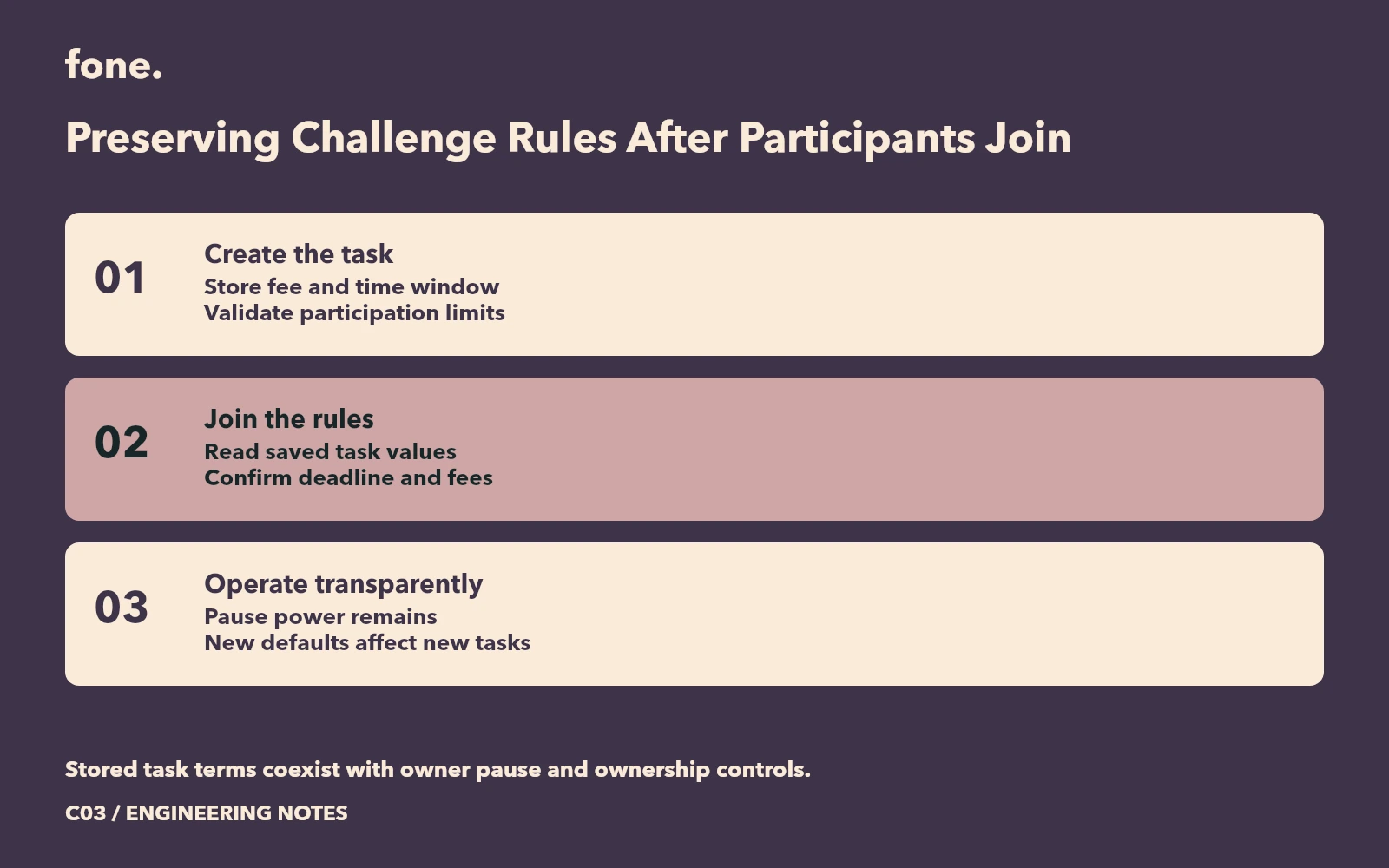
Explain the operations that remain possible
Pause is part of the participant experience. The source blocks creation, joining, check-in and make-up actions while paused. It permits an emergency exit only when the task is not already settling, and settlement has its own start-versus-continuation conditions. A simple label saying paused leaves too much unexplained for someone deciding their next action.
A rule template should name the person responsible for handling that state and describe what the UI will show. It should also distinguish a technical pause from an extension of the deadline. The inspected pause operation changes a flag; it does not automatically rewrite the task's saved end time.
Before release, compare the creation preview with the stored task after confirmation, then compare the join summary with those same fields. Change the global fee default in a controlled environment and inspect an old task and a newly created task. These are review cases to perform, not results reported by this article.
The challenge rules review worksheet captures the fields, operator powers and unexecuted checks. ChainPunch provides the corresponding local challenge workflow. Bring the activity period, timezone and participation conditions to scope a project. The demonstration uses test CIT and does not establish a fixed participant outcome.