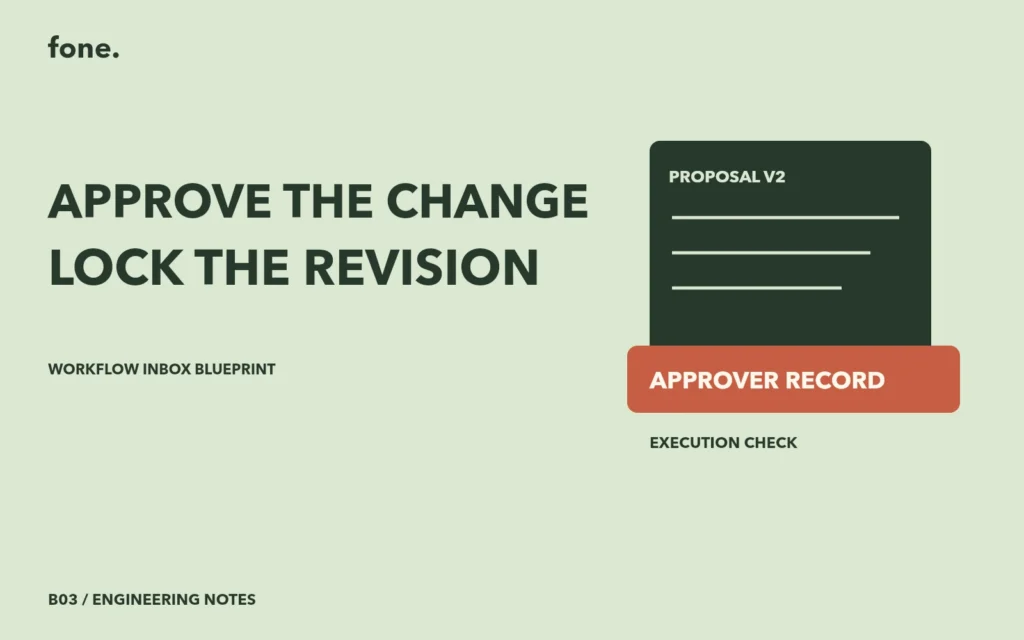
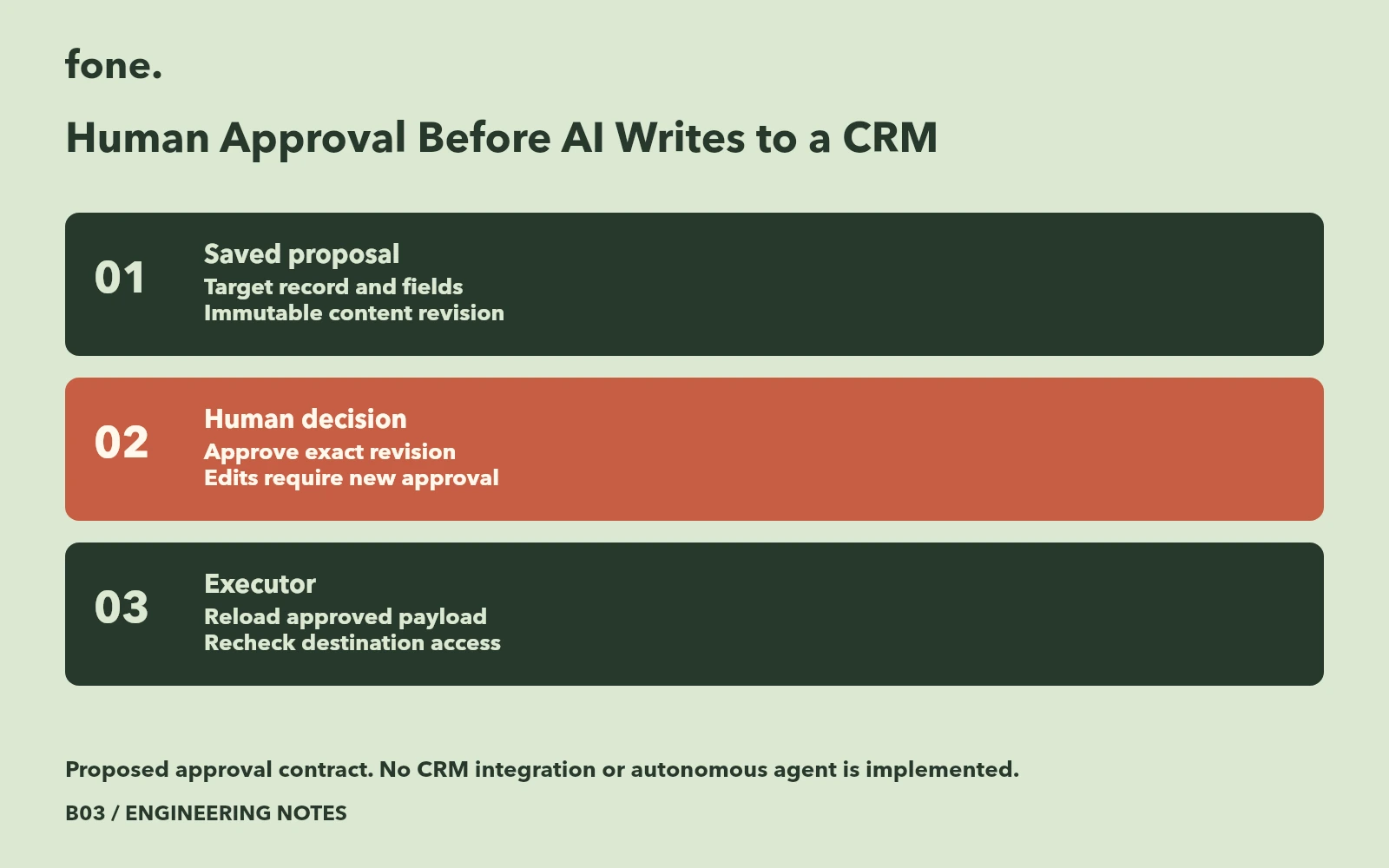
An approval screen needs to identify the exact CRM change that the executor will send. If the proposed company name changes after approval, the earlier approval no longer describes the pending action. Store the proposal as a versioned operation and require a new decision when its contents change.
The Workflow Inbox product is an unimplemented blueprint. This article proposes an approval contract using published security guidance and CRM documentation. It does not describe an existing CRM integration or a tested agent.
Limit what the model may propose
Begin with one destination and one permitted action. For a contact update, define the allowed fields, the target record identifier and the workspace connection that will execute it. Store the original request separately from the extracted proposal so a reviewer can compare the two.
JSON Schema makes it possible to specify required properties and reject undeclared properties with additionalProperties. Declaring a property alone does not make it required. Use these controls to define the proposal envelope before asking a model to populate it. JSON Schema object rules.
Schema acceptance only establishes that the proposal fits the declared structure. Your application must still determine whether the requester can update that CRM record and whether the destination connection belongs to the workspace. A proposed field called approved must never become the source of an authorization decision merely because it arrived in valid JSON.
Bind approval to the reviewed content
OWASP's transaction authorization guidance calls for server-side enforcement, clear presentation of the data being authorized, and invalidation or restart when transaction data changes. It also describes a final control before execution. Those requirements provide a useful basis for a CRM approval design. OWASP transaction authorization.
Represent the proposed change with an operation identifier and revision. The review screen should show the destination workspace, record identity, current values where available and proposed replacements. Record the approving user, the reviewed revision and the time of the decision. A digest can help compare the stored payload, but the digest itself does not explain the action to a reviewer.
| Moment | Proposed record | Required decision |
|---|---|---|
| Extraction | Revision 1 with proposed fields | Wait for review |
| Human correction | Revision 2 with corrected fields | Supersede revision 1 |
| Approval | Decision referring to revision 2 | Allow only that revision |
| Further edit | Revision 3 | Request approval again |
| Execution | Saved revision and destination | Recheck permission and dispatch once |
Keep execution outside the conversation
The executor should load the saved revision from the server. Do not let it regenerate the payload from the latest conversation or accept a fresh arbitrary payload accompanying the approval button click. Otherwise the content approved and the content sent can diverge.
Choose destination operations deliberately. HubSpot's contact documentation distinguishes updating a known record from upserting by an identifier. It also states that partial contact upserts using email have a limitation that does not apply in the same way to custom unique identifiers. An apparently small adapter choice therefore changes what a reviewer must understand about record creation and replacement. HubSpot contact operations.
Show whether the proposal will create or update a record, and expose ambiguity before approval. If the requested action could match several people, send it back for correction. An approval of a name without a stable destination identity leaves the executor with an unresolved decision.
Review the permission change window
The approver may lose access before a queued action runs. OWASP recommends permission checks on every request and denying access by default. Apply that principle at both approval and execution, including an explicit policy for background jobs. OWASP authorization guidance.
Record a blocked execution distinctly from a rejected proposal. The operator needs to know whether the content was unsuitable, the approval expired or the connection lost permission. Preserve the approved revision while allowing the operator to produce a new proposal for another review.
Use the worksheet to walk through a changed payload, a revoked approver and a duplicate approval submission. For each case, inspect the saved operation and the destination request that would be sent. Every result is currently Not run. Download the approval contract worksheet.
Review the Workflow Inbox blueprint when scoping one intake channel, one CRM destination and a visible approval queue. Bring the permitted action list and the person responsible for approving each action.