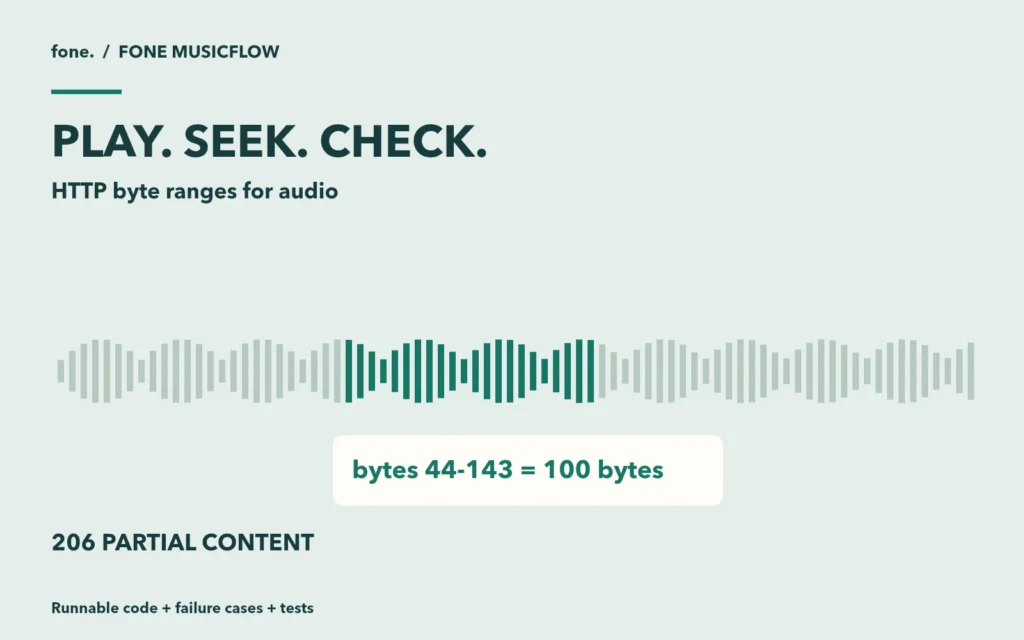
A track starts playing, but moving the playhead sends it back to the beginning. Before replacing the player library, inspect the request made when you seek. Does the browser ask for a byte range? Does the server return those bytes with a matching Content-Range header?
This exercise builds a small Node.js audio endpoint that you can inspect with curl. It serves a locally generated WAV, handles single byte ranges and checks a private route before revealing file metadata. You will get a working server and an automated HTTP test suite. No music provider account, wallet or paid API is needed.
I used Fone MusicFlow's media handler as the starting point for the problem. Its source includes byte-range delivery, streaming of public media, publication checks and a separate fixed-version license download path. The example below is an independent teaching implementation. It keeps the HTTP behavior small enough to inspect without installing the full product.
Start with a file whose bytes you control
Download the audio range lab and extract it into an empty directory. The package contains tone.mjs, server.mjs, server.test.mjs and a README. It was tested with Node.js 24.0.1 on macOS. It has no npm dependencies.
node tone.mjs
node --test server.test.mjs
node server.mjs tone.wav 8787
The first command creates a three-second, mono PCM WAV containing a quiet synthetic tone. Its size is 132,344 bytes, including the 44-byte header. This is test audio, not an AI-generated track or a MusicFlow quality sample. The command refuses to overwrite an existing file.
The server binds to 127.0.0.1. Leave it running and use another terminal for the requests below. If the port is busy, pass a different port as the last argument and use that number in each URL.
curl -sS -D - -o /dev/null http://127.0.0.1:8787/sample.wav
curl -sS -D - -o first-part.bin \
  -H 'Range: bytes=44-143' http://127.0.0.1:8787/sample.wav
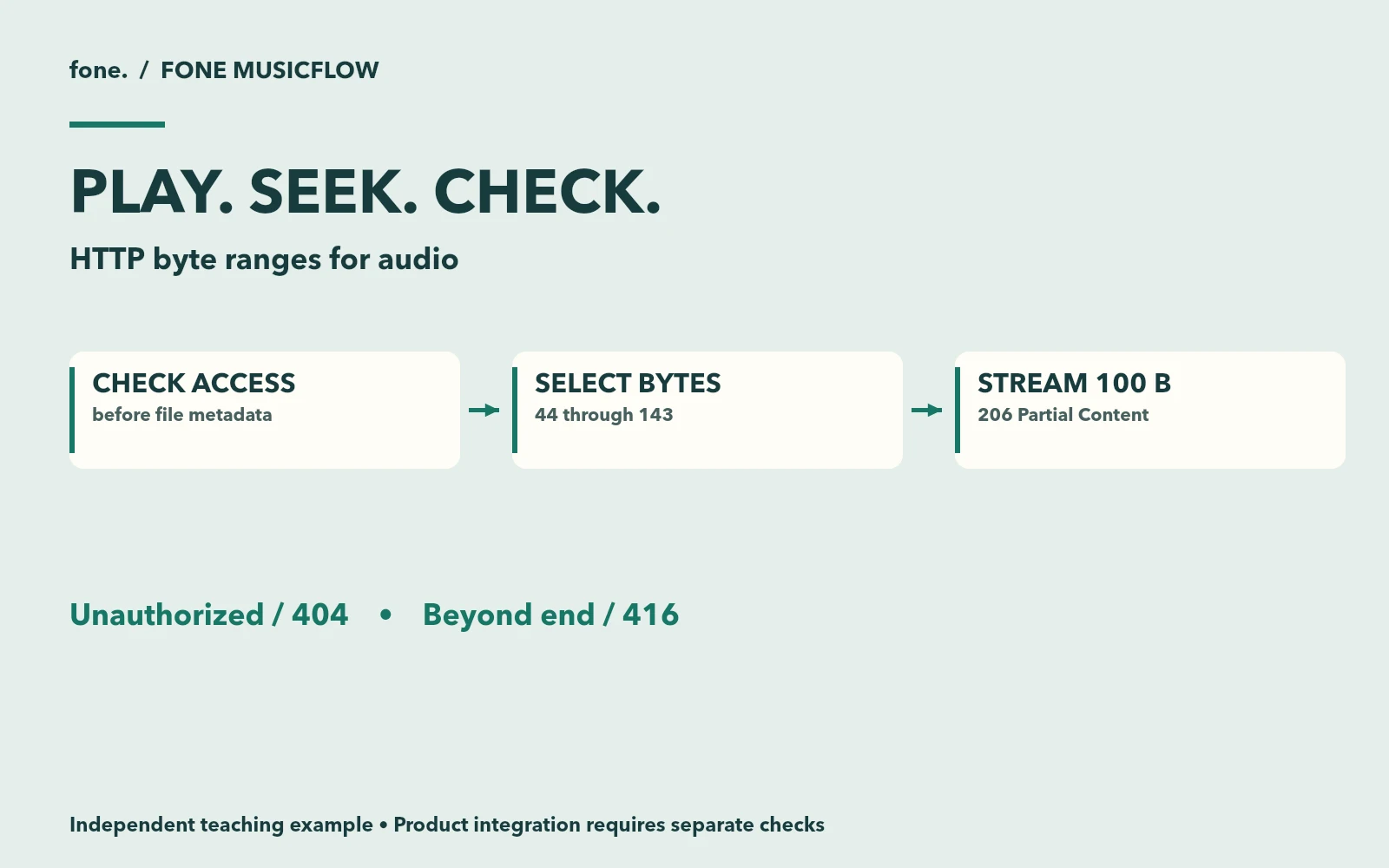
The first response is 200 with the full length. The second is 206, with Content-Length: 100 and Content-Range: bytes 44-143/132344. Both endpoints describe the same representation. The range response contains exactly the requested part of it.
The end position is inclusive. Subtracting start from end without adding one produces a header/body disagreement that can be surprisingly difficult to diagnose through a player UI.
Select a range before opening the stream
Here is the range selector used by the downloadable server. It supports a closed interval, an open-ended interval and a suffix. Large values are compared as BigInt before converting valid file offsets to numbers.
export function selectRange(header, size) {
  const full = { status: 200, start: 0, end: size - 1, length: size };
  if (!header) return full;
  const match = /^bytes=(\d*)-(\d*)$/.exec(header);
  if (!match || (!match[1] && !match[2])) return full;
  const total = BigInt(size);
  let start, end;
  if (!match[1]) {
    const suffix = BigInt(match[2]);
    if (suffix === 0n || total === 0n) return { status: 416 };
    start = suffix >= total ? 0n : total - suffix;
    end = total - 1n;
  } else {
    start = BigInt(match[1]);
    end = match[2] ? BigInt(match[2]) : total - 1n;
    if (match[2] && end < start) return full; // Invalid byte-range syntax.
    if (start >= total) return { status: 416 };
    if (end >= total) end = total - 1n;
  }
  return { status: 206, start: Number(start), end: Number(end), length: Number(end - start + 1n) };
}
A valid range starting at the file size has no bytes available and gets 416. A very large end position can still be satisfied by returning through the actual end of the file. A suffix of zero has no satisfiable bytes.
This server deliberately ignores multipart ranges and malformed range syntax, returning the full representation with 200. That choice is documented and tested. It does not claim to implement multipart byte-range responses. HTTP semantics permits a server to ignore Range; clients need to handle that possibility.
The HTTP handler then opens only the selected interval. When the client disconnects, it destroys the file stream.
const stream = createReadStream(file, { start: selected.start, end: selected.end });
res.on('close', () => stream.destroy());
stream.on('error', () => res.destroy());
stream.pipe(res);
Keep the representation stable during the request. This lab assumes that tone.wav is not replaced or edited while the server runs. A production media store needs versioned objects or equivalent coordination so the length checked before reading remains the length being served.
Check the cases a successful play button misses
Run these requests in the second terminal.
# Last ten bytes
curl -sS -D - -o /dev/null -H 'Range: bytes=-10' \
# Outside the file
curl -sS -D - -o /dev/null -H 'Range: bytes=132344-' \
# HEAD describes the full representation and sends no body
curl -sS -I -H 'Range: bytes=0-9' \
Expected results are 206 with ten bytes, 416 with Content-Range: bytes */132344, and 200 with the full length for HEAD. The sample ignores Range on HEAD because RFC 9110 defines Range processing for GET. These are the tutorial's verified semantics; they should not be read as a claim that every detail of MusicFlow's current handler behaves identically.
Authorize before answering a private range request
A private audio route should make its access decision before returning the file size, media type or requested bytes. Changing 200 to 206 must not create a second path around that decision.
# No credential, even though the range is outside the file
curl -sS -D - -o /dev/null -H 'Range: bytes=999999999-' \
# Deliberately public test credential for the localhost exercise
curl -sS -D - -o /dev/null -H 'Authorization: Bearer demo-owner' \
-H 'Range: bytes=0-9' http://127.0.0.1:8787/private.wav
The first request returns a generic 404 without Content-Range. The second returns ten bytes. The fixed token demonstrates ordering only. A deployed system needs an authenticated user and an entitlement check; putting this token into a public application would provide no meaningful protection.
Responses use private, no-store in this lab. Public previews and purchased files often need different cache policies, but decide who may receive each object before optimizing cache hits. HTTP authorization can restrict delivery. It cannot prevent an authorized listener from recording audio they receive.
What this proves, and what to test in your player
Fourteen automated tests passed against a fresh extraction of the final download. They compare returned bytes, exercise suffix and open-ended requests, check HEAD and authorization, and confirm that the server remains usable after response cancellation. This is HTTP-level evidence on the stated local runtime. It is not a browser compatibility or CDN test.
For a real player, repeat seeking on the browsers you support and inspect the network panel. A server that returns the correct range can still be paired with an unsupported codec, a stale cached representation or a proxy that changes delivery behavior. Use a known playable file first, then vary one part of that path at a time.
For a buyer commissioning a music platform, a useful acceptance case is specific. Seek within a published preview, request an unpublished file without a session, and download the version associated with an authorized purchase. Record both allowed and denied responses. A screenshot of a working player covers only the first few seconds of that exercise.
Fone MusicFlow brings together creation, discovery, license orders and media delivery. Its inspected media code provides the concrete connection for this tutorial. Its current economic demonstration uses local test-chain and mock-generation flows; this lab makes no claim about live provider quality or production readiness. If your project needs licensed downloads, the next related design is preserving the music license version accepted at checkout.